
Web scraping is a neutral automation technique: a program requests web content, reads its structure, and extracts selected information. Search engines, researchers, accessibility services, price-comparison sites, and businesses may use it with permission. The same mechanics can also copy proprietary content, expose personal data, distort prices or inventory, and consume capacity on high-value endpoints.
For a business, the practical question is not whether every automated request should be blocked. It is whether the requester is authorized, whether the endpoint can absorb the traffic, what data or workflow is at stake, and which response protects the business without creating unnecessary friction for legitimate users. The sections below move from mechanics to business impact, evidence, and a proportionate prevention program.
What Is Web Scraping?
Web scraping is the automated collection of information from web pages, applications, or APIs. A scraper may read visible text, structured markup, product fields, search results, documents, prices, availability, or other data exposed to a client. The output is commonly stored in a database, spreadsheet, feed, or downstream application.
The term covers several related activities:
- Web crawling: requesting pages or links to discover and index content.
- Content scraping: copying articles, listings, images, descriptions, or other site material at scale.
- Price scraping: collecting prices, promotions, availability, or delivery terms for comparison or competitive intelligence.
- API or endpoint scraping: repeatedly querying a structured interface instead of parsing rendered pages.
- Browser automation: using a scripted browser to execute JavaScript and reproduce parts of a user journey.
The technology itself does not determine intent. An authorized crawler with a documented purpose is different from a distributed scraper that evades controls, ignores access conditions, or targets data and endpoints that the owner needs to protect. That distinction is the starting point for a useful bot-management policy.
How Web Scraping Works
A typical scraping workflow has four stages:
- Request and fetch. A client requests an HTML page, API response, image, or document. The request may come from a script, a cloud service, a browser, or a crawler with an identified user agent.
- Render or parse. The client reads the response directly or executes JavaScript to obtain content that appears after the initial page load. Modern scrapers can use headless browsers and browser-like session behavior.
- Select and extract. Selectors, document structure, text patterns, or visual recognition identify the fields of interest. The extracted values are normalized for storage or analysis.
- Repeat and store. The client follows links, rotates requests, revisits changed pages, and sends the results to a database, feed, model, or other system.
The signals change with the implementation. A simple script may produce obvious request bursts. A distributed browser workflow may spread requests across networks, reuse sessions, or mimic ordinary navigation. That is why a single User-Agent string, IP address, or request count rarely provides enough context for a final decision.
When Does Web Scraping Become a Business Risk?
Automation becomes a business risk when the access is unauthorized, the scale changes the cost or availability of a service, the data is used outside its permitted context, or the activity undermines a business process. Common effects include:
- Content and data leakage: articles, listings, images, catalog fields, or proprietary research may be copied and republished without permission.
- Price and inventory distortion: repeated collection of prices, stock, availability, or delivery promises can expose strategy and create an uneven competitive environment.
- Infrastructure cost: high-volume requests consume bandwidth, compute, database reads, cache capacity, or third-party API quotas.
- Business-logic abuse: scrapers may target search, account creation, promotions, ticket inventory, downloads, or other endpoints where data access is tied to a valuable workflow.
- Privacy and trust exposure: collecting personal or sensitive information can create obligations that differ from collecting public, non-personal catalog data.
- Customer-experience damage: aggressive automation can slow pages, increase errors, pollute analytics, or make a legitimate customer appear suspicious.
| Legitimate or lower-risk access | Risk indicators that deserve investigation |
|---|---|
| Identified crawler follows published crawl guidance | Requests ignore access conditions or repeatedly bypass controls |
| Research or aggregation uses permitted public data at a reasonable rate | High-value fields are collected at unusual scale or frequency |
| API client uses documented authentication and quotas | Endpoint cost, account relationships, and velocity move together |
| Monitoring traffic has a clear owner and purpose | Activity causes slowdowns, data leakage, or customer-impacting errors |
Use the fast-fashion scraping and credential-stuffing case as a GeeTest deployment example where scraping pressure coincided with account abuse. It is one case, not a benchmark for every scraping incident.

Automation should be classified by authorization, behavior, endpoint cost, and business impact—not by the word “bot” alone.
Is Web Scraping Legal?
There is no universal yes-or-no answer. The legal and contractual position can depend on what data is collected, whether it is public or access-controlled, how it is used, the site’s terms, privacy and copyright obligations, the jurisdiction, and whether technical controls are bypassed. This article is educational, not legal advice; a legal review is appropriate when personal data, authentication, paywalls, proprietary databases, or commercial reuse is involved.
robots.txt is useful crawler guidance, but it is not a complete access-control or authorization system. A site that needs to protect data or an expensive workflow should combine public crawl guidance with server-side authentication, rate controls, application policy, monitoring, and appropriate technical enforcement. Google’s robots.txt specifications explain the crawler-control role of the file. The Computer Fraud and Abuse Act text is a primary legal reference for one U.S. statute, not a complete answer to every scraping dispute.
For an enterprise review, document the intended purpose, data categories, authorization path, retention, rate expectations, and response to an access-control failure. Avoid treating a court decision or one public-data example as permission for every automated collection scenario.
How to Detect Web Scraping
Detection works best when signals are grouped by endpoint and user journey. Start with a baseline for normal traffic, then investigate changes that matter to the business:
- Request and endpoint behavior: repeated access to the same fields, pagination patterns, unusually deep catalogs, or a high ratio of data-heavy requests.
- Velocity and timing: bursts, precise intervals, parallel sessions, or activity that continues without the pauses and variation expected from the journey.
- Session and browser context: inconsistent JavaScript execution, browser attributes, automation indicators, or a session that changes identity while preserving the same workflow.
- Network and device context: IP, ASN, proxy, device, environment, and reuse patterns. These are signals, not verdicts; shared networks and privacy tools can be legitimate.
- Account and business relationships: many accounts, devices, payment paths, or promotion claims connected to the same endpoint behavior.
- Outcome signals: cache misses, error rates, conversion changes, support contacts, data appearing elsewhere, or origin load that cannot be explained by a campaign or release.
An IP-only rule can miss distributed scraping and block a corporate network. A User-Agent rule can be copied. A volume threshold can misclassify a legitimate launch. A stronger investigation combines several signals with endpoint value, authorization, and the cost of a false positive. The bot detection guide provides related context on distinguishing automated traffic from human activity.
How to Prevent Harmful Web Scraping
Prevention is a response system rather than a single switch. Apply controls in proportion to the endpoint and the confidence of the risk signal:
- Decide what should be public. Minimize sensitive fields in page responses, separate public content from authenticated data, and avoid exposing unnecessary metadata or bulk endpoints.
- Control request cost. Use caching, quotas, pagination limits, rate controls, and endpoint-specific thresholds. A search, inventory, export, or account endpoint may need stricter policy than a static page.
- Classify traffic with context. Combine network, device, browser, session, behavior, and account relationships. Keep an allowlist for verified crawlers and authorized integrations, with an owner and review date.
- Use proportionate verification. When a session is uncertain, a selective human-verification step can be more appropriate than a universal challenge. GeeTest Adaptive CAPTCHA is one option to evaluate for risk-based verification at high-value web touchpoints.
- Orchestrate the response. Route traffic to allow, monitor, throttle, verify, review, or block outcomes. Record the reason category, policy version, and recovery path so the team can tune the control.
- Measure and recover. Track false positives, challenge completion, latency, errors, data exposure, and customer appeals. Test new rules in shadow mode and keep a rollback path for launches, seasonal spikes, and regional differences.
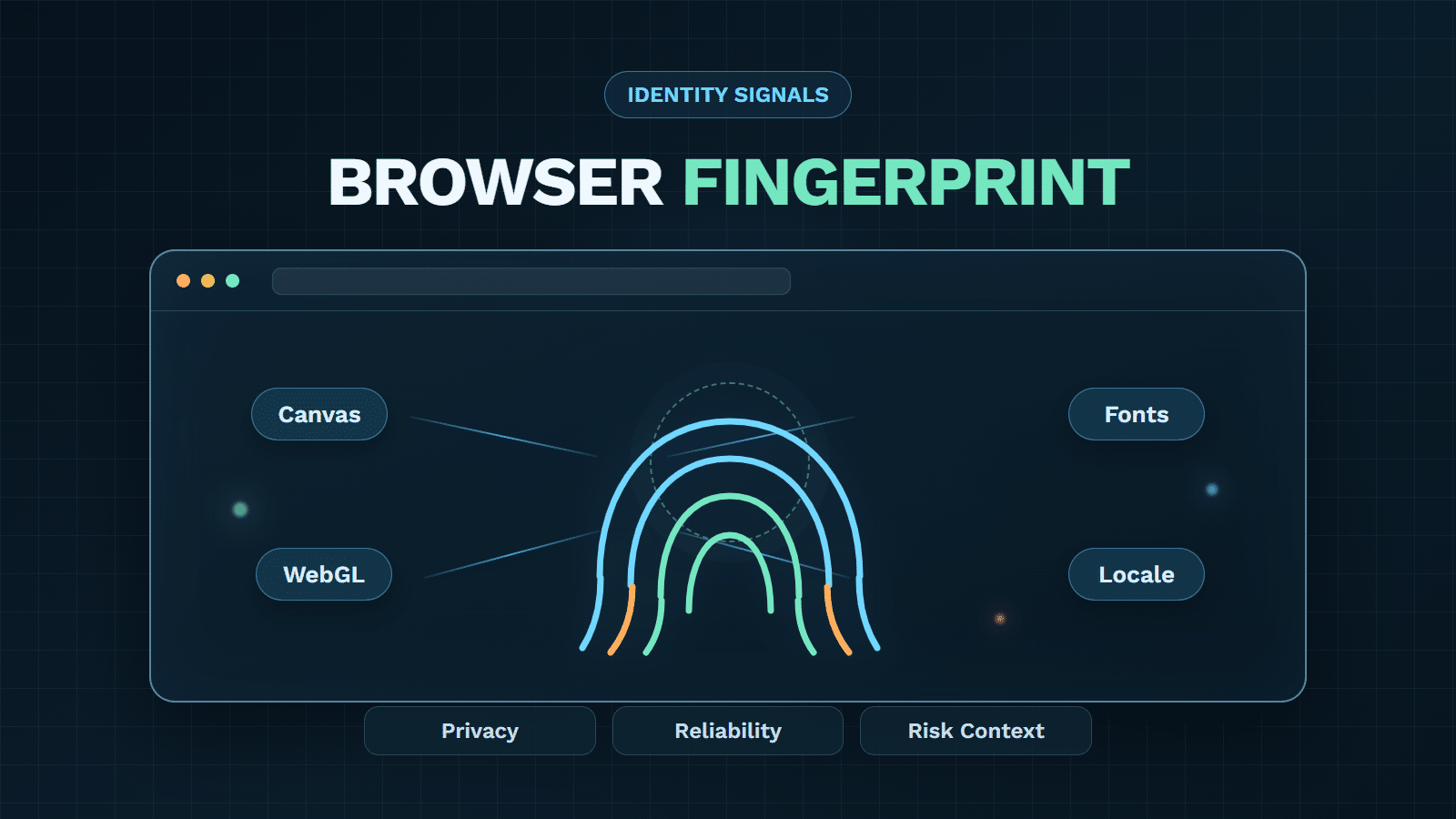
Device context can help connect activity across sessions without making a device identifier a standalone verdict. GeeTest Device Fingerprinting is relevant to that layer; it should complement application policy, access control, rate limiting, and human review. The data-harvesting risk model is a related resource for separating legitimate automated access from unauthorized extraction.

A layered control path can combine device and behavior evidence with a business-owned response policy.
| Decision | Appropriate when | Guardrail |
|---|---|---|
| Allow | Authorization and behavior are consistent | Continue monitoring |
| Monitor | Risk is uncertain but impact is low | Collect evidence without adding friction |
| Throttle | Volume or endpoint cost is excessive | Preserve a safe path for legitimate use |
| Verify | Signals suggest automation at a high-value step | Challenge selectively and accessibly |
| Review | Evidence is mixed or the action is sensitive | Give analysts context and a recovery path |
| Block | Abuse is confirmed or clearly unauthorized | Record reason and provide an appeal process where appropriate |
A Practical Web Scraping Defense Checklist
Before enforcing a new rule, confirm that the team can answer these questions:
- Which pages, API routes, downloads, search functions, and business actions have the highest data or capacity value?
- Which crawlers, partners, research jobs, and internal tools are authorized, and who owns each exception?
- What does normal traffic look like by endpoint, market, device, account, and time period?
- Which evidence is available before a decision, and how will it be retained and explained?
- What are the allow, monitor, throttle, verify, review, and block outcomes?
- How can a legitimate user or integration recover from a false positive?
- How will the team test changes in shadow mode, measure impact, and roll back a bad rule?
- When will privacy, legal, security, product, and operations teams review the policy together?
The best first step is usually a focused pilot on one high-value journey, not a site-wide block. Start with a measurable endpoint, compare normal and suspicious cohorts, and tune the policy against both abuse outcomes and legitimate-user experience.
Web Scraping FAQ
1. What is web scraping?
Web scraping is the automated collection of selected information from web pages, applications, or APIs. It can support legitimate research and indexing or create risk when it is unauthorized, excessive, or harmful to data, capacity, or business workflows.
2. Is web scraping always illegal?
No. The answer depends on authorization, data type, use, terms, privacy and copyright duties, access controls, jurisdiction, and business impact. Obtain legal advice for a specific dispute or sensitive dataset.
3. Can robots.txt stop web scraping?
No. It communicates crawler preferences, but it is not a complete access-control system. Sensitive data and high-cost workflows need server-side controls, monitoring, rate policies, and appropriate enforcement.
4. How do I detect a scraper bot?
Combine endpoint, velocity, timing, session, browser, device, network, account, and outcome signals. Avoid relying on a single IP address, User-Agent, or request threshold.
5. Does CAPTCHA stop all scraping?
No. CAPTCHA is one response layer. Selective, risk-based verification can raise the cost of some automated activity, but it should be combined with access control, rate limits, device and behavior signals, monitoring, and recovery.
6. What should an enterprise protect first?
Start with endpoints where data access, request cost, or business logic has the highest value: authenticated data, search, inventory, pricing, exports, downloads, account actions, and APIs. Pilot controls on one journey and expand from measured results.